

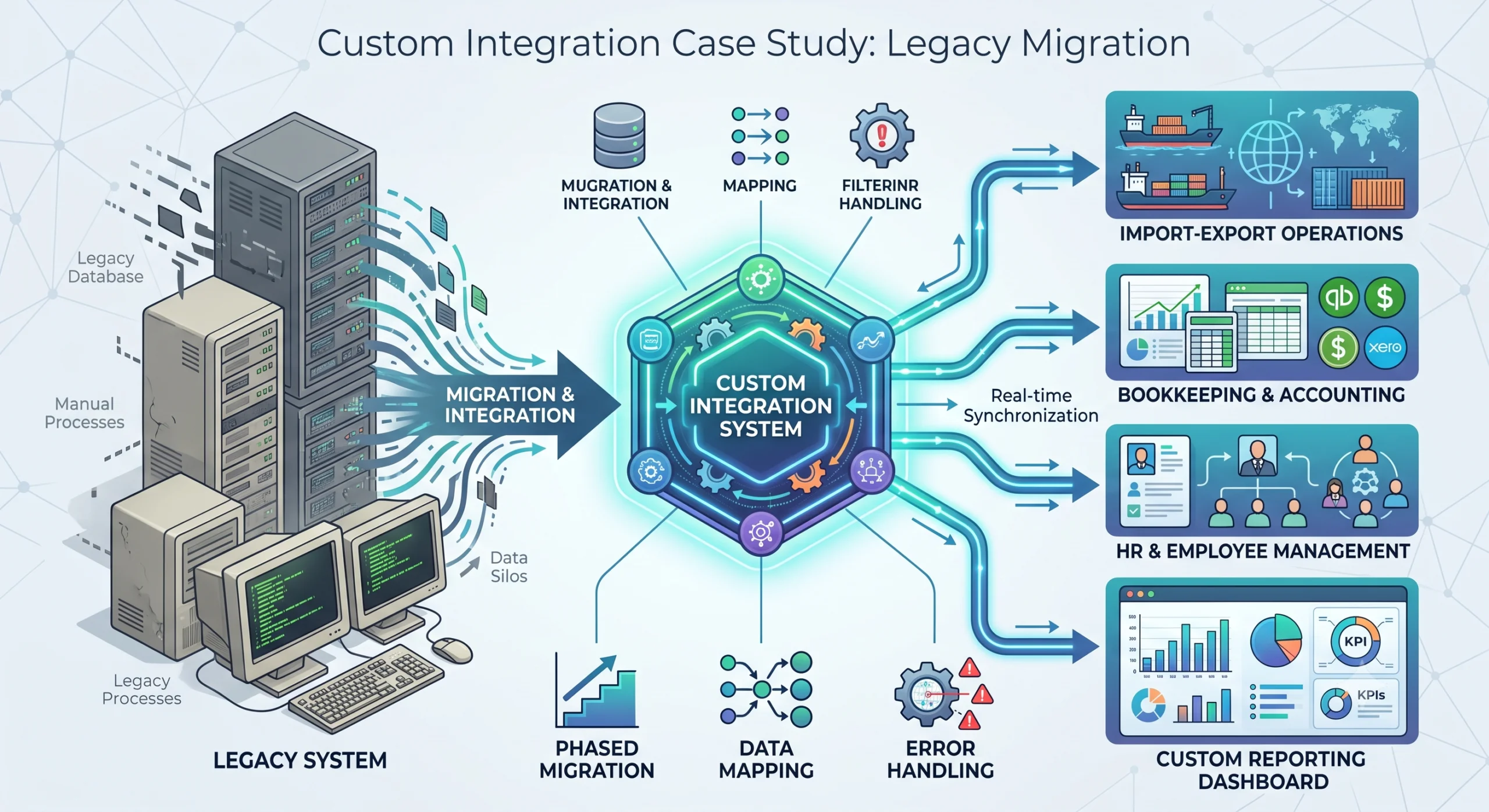
Custom Integration Case Study: Legacy Migration Lessons A large Sri Lankan import-export company came to us with a problem that should sound familiar. They had a legacy system holding their core operational data, and it could not talk to anything else. Bookkeeping lived in one tool. Employee management lived in another. The legacy system sat in the middle, isolated, with staff manually copying numbers between systems all day.This post walks through what we actually did, the parts that worked, the parts that hurt, and what we would do differently if we started over. The Client and the Problem The company operates across three sectors: metal, textile, and chemical imports and exports. That means shipments, customs paperwork, supplier payments, employee time tracking, and financial reconciliation all running in parallel, every day. Their legacy system had been in place for years. It stored shipment records, inventory movements, and supplier data. On its own, it functioned. The problem was everything around it. The bookkeeping system had no connection to operational data. Finance staff retyped invoice totals and shipment costs by hand. The employee management system had no link to operational work. Productivity reporting meant spreadsheets emailed back and forth. Manual entry created errors. Wrong decimal places, duplicated rows, missing shipments. Each error took hours to trace and fix. Reporting was reactive. By the time someone built a monthly summary in Excel, the data was already two weeks old. The company did not need a flashy new product. They needed their systems to share data, on schedule, with checks in place. That is the work we took on. Our Approach: Understand Before You Code The first instinct on a project like this is to start mapping APIs and writing sync jobs. We did not do that. We spent the first phase understanding the existing processes. We sat with the operations team and watched how a shipment moved through the system. We tracked a single metal shipment from supplier invoice, through customs, to warehouse receipt, to the finance team’s books. We did the same for textile and chemical flows. That exercise changed our plan. We had assumed the legacy system was the source of truth for shipment data. It was not. The operations team kept a parallel spreadsheet for chemical shipments because the legacy system could not handle batch numbers the way they needed. Any integration we built would have to account for that, or we would lose data. Lessons from this phase: Map the actual process, not the documented process. The two are rarely the same. Find the shadow systems. Spreadsheets, side databases, and manual workarounds exist because the official system has gaps. Talk to the people doing the data entry. They know where the errors come from better than anyone. Only after we understood the real flows did we start designing the integration. Phased Migration, Not Big Bang We did not rip out the legacy system in one go. A big bang migration on a company this size would have stopped operations for days and risked data loss nobody could afford. Instead, we phased it. Phase 1: Stand up the new system alongside the legacy system. We built the new operational system and ran it in parallel. New shipments went into both systems. This let us validate that the new system handled the data correctly without committing to it fully. Phase 2: Build the bookkeeping integration. Once the new system had live data, we connected it to the bookkeeping software. This was the highest-value integration because finance was spending the most time on manual entry. Phase 3: Build the employee management integration. With bookkeeping stable, we added the link to the employee management system for productivity tracking. Phase 4: Cut over. Only when all integrations were running and verified did we stop entering data into the legacy system. Each phase had a rollback plan. If the bookkeeping integration started sending bad data, we could disable the sync and fall back to manual entry for a day while we fixed it. That safety net mattered more than speed. The Integration Work This was the core of the project. Three pieces: the new operational system, the bookkeeping system, and the employee management system. Each connection had its own challenges. Connecting to the Bookkeeping System The bookkeeping software had an API, but it was not designed for the volume or the shape of data we needed to push. Invoice records in the operational system did not map cleanly to the journal entry structure the bookkeeping system expected. We had to build a data mapping layer. Each operational invoice became one or more journal entries, with account codes resolved based on shipment type and cost category. Metal shipments hit different accounts than textile shipments. Key decisions we made: Sync schedule: We ran the bookkeeping sync every 15 minutes during business hours. Real-time was unnecessary and would have overloaded the bookkeeping API. A 15-minute lag was acceptable to finance. Idempotency: Every sync record carried a unique reference. If the sync ran twice, the bookkeeping system would not create duplicate entries. This single decision prevented most of the data corruption issues we would have hit otherwise. Reconciliation reports: After each sync, we generated a report comparing what the operational system sent against what landed in the bookkeeping system. Discrepancies went to a queue for manual review. Connecting to the Employee Management System The employee management integration was different. Its job was to pull operational work data so productivity could be tracked per employee, per department, per shipment type. The challenge here was identity. The operational system tracked work by shipment reference and team. The employee management system tracked work by employee ID. We needed a mapping between the two. We solved this by adding an employee ID field to operational records at the point of entry. When a team member logged work on a shipment, they selected their employee ID from a dropdown sourced from the employee management system. That gave us a reliable join. This required a


