

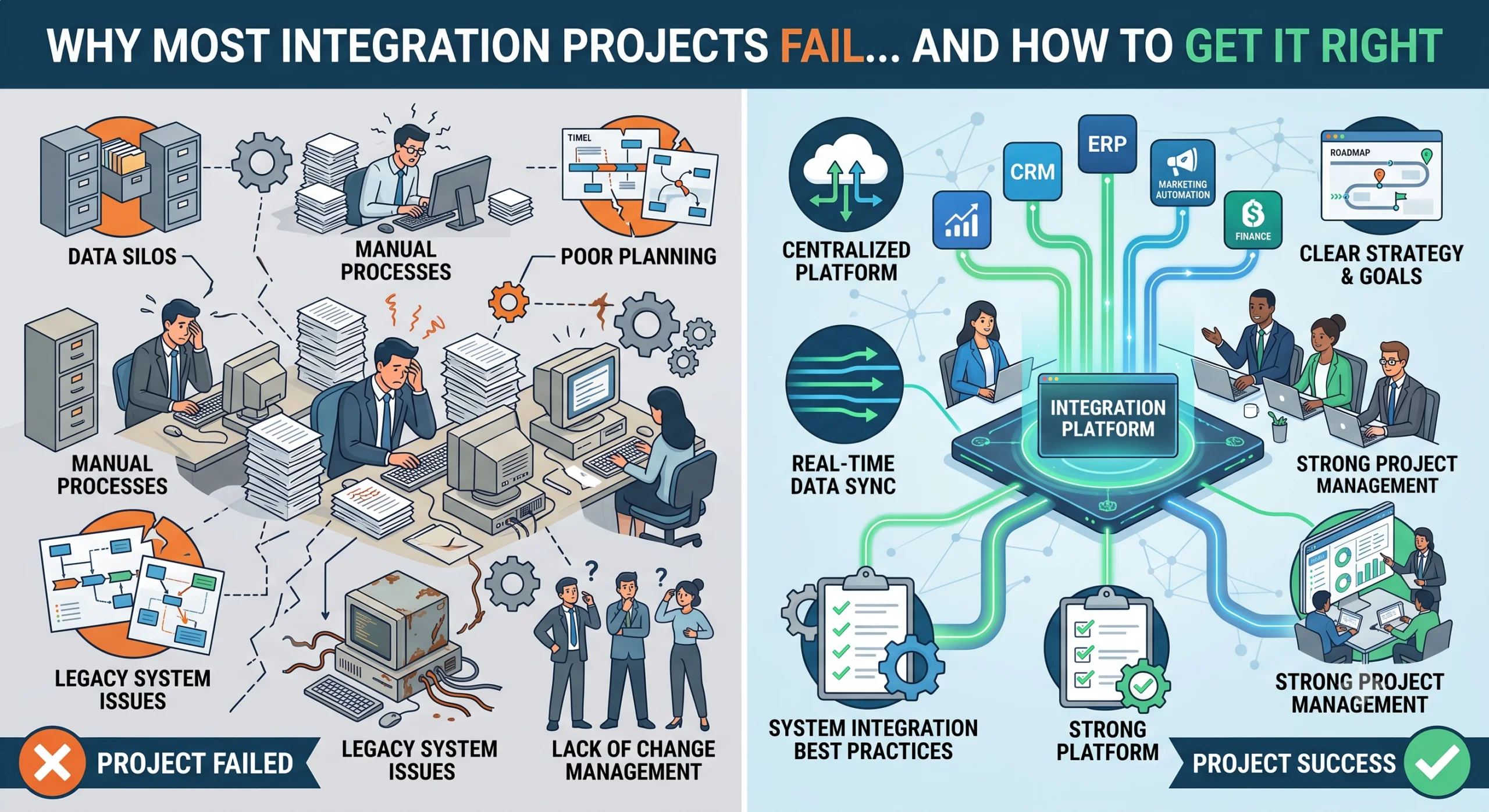
The Failure Statistics and Why They Happen Industry studies have shown that a majority of IT projects fail to meet their objectives. Integration projects fail more often than most. A widely cited McKinsey finding on large IT transformations found that 70% fall short of their goals. Integration work is harder because it touches multiple systems, multiple teams, and data that nobody fully trusts. We have seen integration projects fail in predictable ways. The technology is rarely the problem. The failures come from unclear requirements, bad data, untested assumptions, and people who were never brought into the process. This post covers the seven reasons we see most often, and what to do differently. Reason 1: Unclear Requirements and Scope Creep Nobody wrote down what “done” means. This is the most common failure. The project starts with a vague goal like “integrate our sales and inventory systems.” Everyone agrees. Nobody defines what that means in practice. The sales team thinks it means real-time inventory checks during order entry. The inventory team thinks it means a nightly sync of stock levels. The IT team thinks it means a shared database. Three months in, everyone discovers they were building different things. Scope creep follows naturally. Since nobody defined the boundary, every new request becomes “part of the integration.” The project grows, the timeline slips, and the budget breaks. What to do instead Write a one-page scope document before any work starts. It should answer: What systems are being integrated and why What data flows between them and in which direction What is explicitly out of scope What “done” looks like, with specific acceptance criteria Who signs off on completion If a new request comes in, it goes through change control. It either replaces something in the current scope or it becomes a phase two item. Scope is a contract, not a suggestion. Reason 2: Messy Data Integrating bad data just moves the problem faster. We worked on a project connecting a CRM to an ERP. The CRM had 40,000 customer records. Roughly 8,000 were duplicates. Another 3,000 had incomplete addresses. The plan was to sync these records to the ERP, which would have propagated every error. Data quality problems do not fix themselves during integration. They get worse because now the bad data exists in two systems instead of one. Common data problems we encounter Duplicate records with slightly different names (ABC Ltd, ABC Limited, A.B.C. Ltd) Missing required fields that the target system needs Inconsistent formats (dates as DD/MM/YYYY in one system, MM/DD/YYYY in another) Orphaned records that reference data that no longer exists Free-text fields where people typed whatever they wanted What to do instead Run a data audit before integration begins. Profile the source data to understand its actual state. Fix data quality issues at the source, not in the integration layer. A data cleaning step in the middle is a bandage, not a solution. Build validation rules into the integration so bad data is caught and flagged, not silently passed through. Reason 3: Undocumented Legacy Processes The person who built the old system left five years ago. The system runs on tribal knowledge. We inherited an integration project where the source system was a custom-built application from 2012. The original developer had left the company. There was no documentation. The only person who understood it was an accountant who had learned its quirks over eight years. She knew, for example, that the system recalculated inventory every night at 2am, and that any record changed after that would not reflect until the following night. None of this was written anywhere. Legacy systems are full of this kind of invisible logic. If you integrate without understanding it, you will build something that works in testing and breaks in production. What to do instead Document the existing process before designing the integration. Interview the people who use the system daily. Map the data flow, including the manual steps and workarounds. Identify the hidden rules, the batch jobs, and the exceptions. This documentation becomes the foundation for the integration design. Skipping it means you are integrating against assumptions, not facts. Reason 4: Weak Testing No parallel runs, no reconciliation, no real user testing. Testing is where integration projects die quietly. The team runs a few sample records through the integration, sees them come out the other side, and declares success. Then it goes live and the edge cases appear. What proper testing looks like We insist on three levels of testing: Unit testing: Each component of the integration works on its own. Field mappings, transformations, error handling. End-to-end testing with real data: Pull a representative sample from production, run it through the full integration, and compare input to output. Parallel runs: Run the old process and the new integration side by side for a defined period. Compare the results. Any difference is a bug. Parallel runs are the most valuable and most skipped step. They catch the problems that unit testing cannot because they expose the integration to real-world data variety and volume. Reconciliation and real user testing For financial integrations, reconciliation is non-negotiable. If you move financial data between systems, the totals must match. We build automated reconciliation checks that compare source and target after every sync. If they do not match, the integration stops and alerts someone. Let the people who will use the integrated system test it before it goes live. Not the project team. The actual operators. They will find the problems you cannot because they know how the work really happens. Reason 5: No Change Management The new system works but nobody uses it because they were not involved. We delivered an integration that connected a company’s order management system to their warehouse system. Orders would flow automatically. The warehouse team did not need to re-enter anything. It worked perfectly in testing. Three months later, the warehouse team was still entering orders manually. When we asked why, the answer was: “We do not trust it.” They had never


